Introduction
One of such issues is HTML vs JSON, which often leaves a number of developers (especially beginners) puzzled as to how exactly websites operate under the hood. It may have happened when you were constructing, using APIs, or debugging data and wondered: Why do we have both? Aren’t they doing similar things?
The reality is that HTML and JSON are very different problems, but can be seen jointly in practice. And there the confusion starts.
Have you ever been at a loss with:
- Deciding when to use HTML vs JSON
- Knowledge of the way APIs can give out JSON, yet the browser will display HTML
- Combining frontend presentation and backend information, this guide is for you
…then this guide is for you.
We will deconstruct the dissimilarities between HTML and JSON in a straightforward, realistic, and human manner- no jargon.
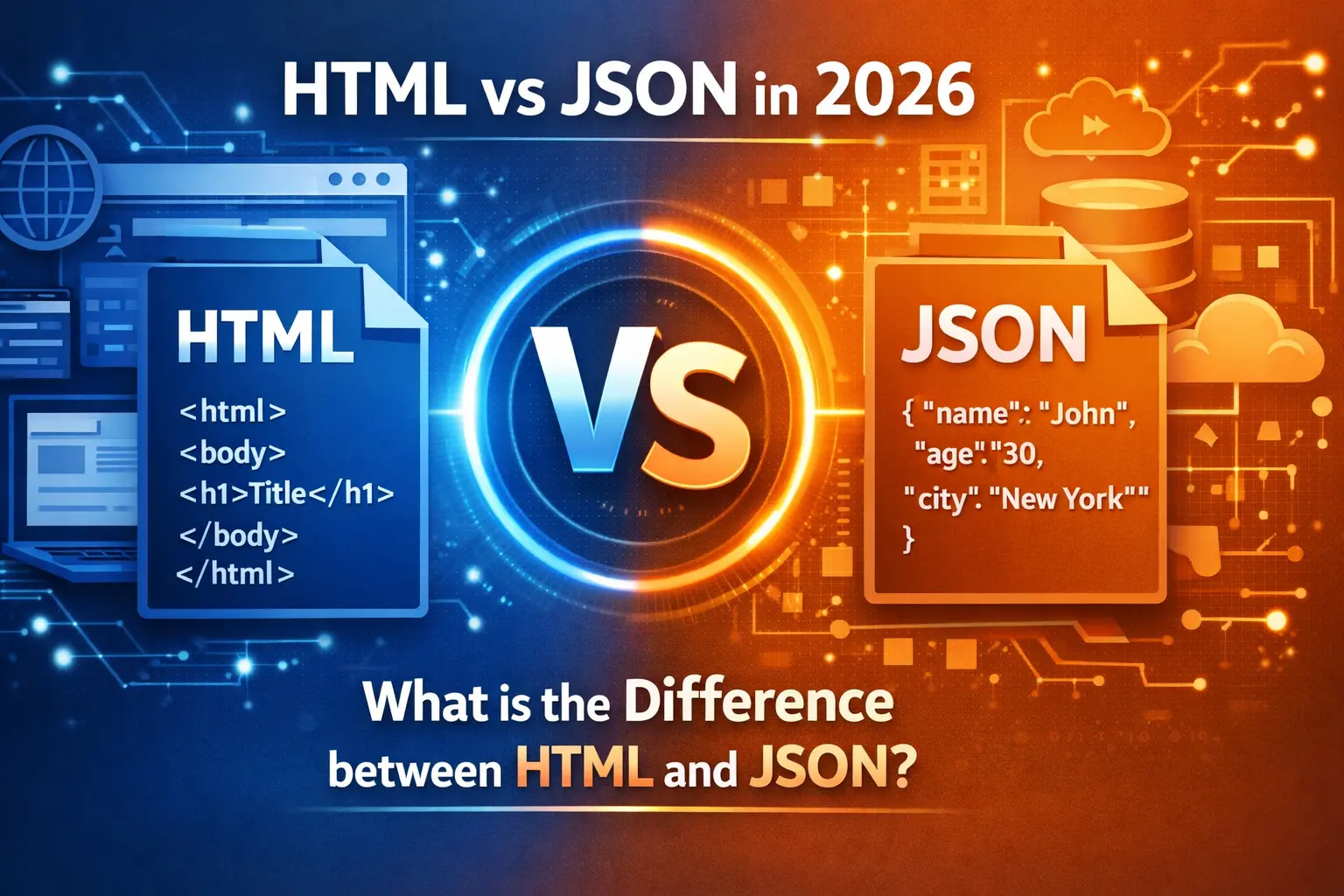
What is HTML? (HyperText Markup Language)
All webpages that you visit on the internet depend on HTML. It is created to format and present information in a browser.
Key Purpose of HTML
- Display content visually
- Structure web pages
- Determine layout (headings, paragraphs, images, links)
Simple HTML Example
<!DOCTYPE html>
<html>
  <head>
    <title>My Page</title>
  </head>
  <body>
    <h1>Hello World</h1>
    <p>This is a paragraph.</p>
  </body>
</html>
The Usage of HTML by Developers
- It is compatible with all browsers
- Required to develop the front-end
- Easy to learn and implement
If you are learning frontend basics, understanding HTML vs CSS in 2026 can help clarify how structure and styling work together.
Modern frameworks still rely heavily on HTML concepts, especially in tools discussed in HTML vs JavaScript in React & Next.js.
Pain Point
Novices attempt to store or transfer data by using HTML- the resulting code is sloppy and inefficient. Such is not what HTML is created to do.
What is JSON? (JavaScript Object Notation)
JSON is a lightweight data format that is used to store and transfer data, particularly between a client and a server.
Key Purpose of JSON
- Transfer data between systems
- Store structured data
- Work with APIs
Simple JSON Example
{
  "name": "John",
  "age": 22,
  "skills": ["JavaScript", "React", "Node.js"]
}
JSON is used by developers. Why?
- Simple to compose and write
- Language-independent
- Perfect for APIs
If you are also comparing programming ecosystems, this Java vs JavaScript comparison explains how modern applications handle data and interfaces differently.
Pain Point
And, when you have ever attempted to view JSON in a browser, you are aware that it is not user-friendly. JSON is not presentable.
HTML vs JSON: The Fundamental Differences in a Nutshell
It is far easier to comprehend HTML vs JSON when you compare them to each other.
Comparison Table
| Feature | HTML | JSON |
|---|---|---|
| Purpose | Display content | Store & transfer data |
| Formatting | Tag-based | Key-value pairs |
| Readability (human) | High (visual structure) | Moderate (data oriented) |
| Usage | UI rendering (frontend) | Backend and APIs |
| Data Handling | Weak | Strong |
| Flexibility | Less data flexible | Highly data flexible |
| Parsing | Browsers Parsed | JavaScript & APIs Parsed |
JSON vs HTML: Which one to use?
Here, most developers are stumped about when to use which.
Use HTML When:
- You need to display content to users
- Developing a webpage interface
- Structuring layout
For a deeper understanding of modern markup evolution, check Comparison of HTML vs HTML5.
Use JSON When:
- Transfer of data between server and client
- Working with APIs
- Storing structured information
Live Case Study: HTML and JSON Co-location
This is the way that the two formats interact in real life:
Scenario
You create a React application that pulls user data.
Step 1: JSON sent by server
{
  "username": "John",
  "email": "john@example.com"
}
Step 2: JSON is transformed into HTML by the Frontend
<h1>{user.username}</h1>
<p>{user.email}</p>
If you are building frontend applications, this guide on Next.js vs React explains how modern frameworks process JSON data and render UI efficiently.
Key Insight
- JSON = data source
- HTML = data presentation
This perplexes Developers. Why?
Now, let’s discuss the actual battle of the differences between HTML and JSON.
Common Mistakes
- Storing data using HTML
- UI to be rendered with JSON
- Not separating frontend and backend responsibilities
Alternative to What You Should Do
- Treat as raw data JSON
- Display in HTML (or JSX)
- Keep responsibilities separate
Advantages of HTML
Pros
- Easy to learn
- Supported everywhere
- Good in UI structure
Cons
- Not appropriate to exchange data
- May become disorganized when dealing with complex data
You can also learn how to connect CSS in HTML to improve webpage presentation and styling practices.
Advantages of JSON
Pros
- Lightweight
- Easy to parse
- Ideal for APIs
Cons
- Not user-friendly to UI
- Needs to be processed before it can be displayed
HTML vs JSON in Modern Development
In the modern development landscape, particularly in frameworks such as React, Next.js, and APIs:
- JSX (a variation of HTML) is commonly used instead of HTML
- JSON is extensively used in:
- REST APIs
- GraphQL
- Config files
Modern Flow
- Backend → sends JSON
- Frontend → processes JSON
- UI → implemented on HTML/JSX
The main differences between HTML and JSON (Brief overview)
HTML
- Structure & presentation
- Browser-friendly
- Visual output
JSON
- Data representation
- Machine-friendly
- API communication
Conclusion / Final Thoughts
The HTML vs JSON debate is not the question of which one is better, but the question on the roles in understanding.
In case you are developing modern applications:
- Imagine that JSON is the brain (data)
- Consider HTML to be the face (presentation)
The greatest frustration is the attempts to apply either of them instead of the other. As soon as you distinguish their responsibilities, development will be easier, cleaner, and much more scalable.
Next time you have a project you need to work on, and you are unsure about which one to use, JSON or HTML, simply ask yourself:
Is it data or a display that I am working with?
That single query will save you hours of vexation.
Suggested Reads
- Comparison of HTML vs HTML5 Code with Real-life Examples in 2026
- HTML vs CSS in 2026 — Total Beginner to Pro Comparison in 2026
External Resources
FAQs
1. What is the difference between HTML vs JSON?
The main difference is that HTML is used for displaying content, while JSON is used for storing and transferring data.
2. Does JSON take the place of HTML?
No, JSON cannot be used instead of HTML. JSON is used to deal with data, and HTML deals with presentation.
3. Why APIs are based on JSON, as opposed to HTML?
JSON is also lightweight, has the advantage of being simpler to decode, and is more efficient in data transfer than HTML.
4. Is JSON quicker than HTML?
To transfer data, JSON is quicker as it is smaller and less complicated. But content requires HTML to be rendered.
5. Is HTML still being used in modern frameworks?
Yes, frequently in the form of JSX (as with React), a mixture of HTML-like syntax with JavaScript.
2 thoughts on “HTML vs JSON: 2026 guide”