Introduction
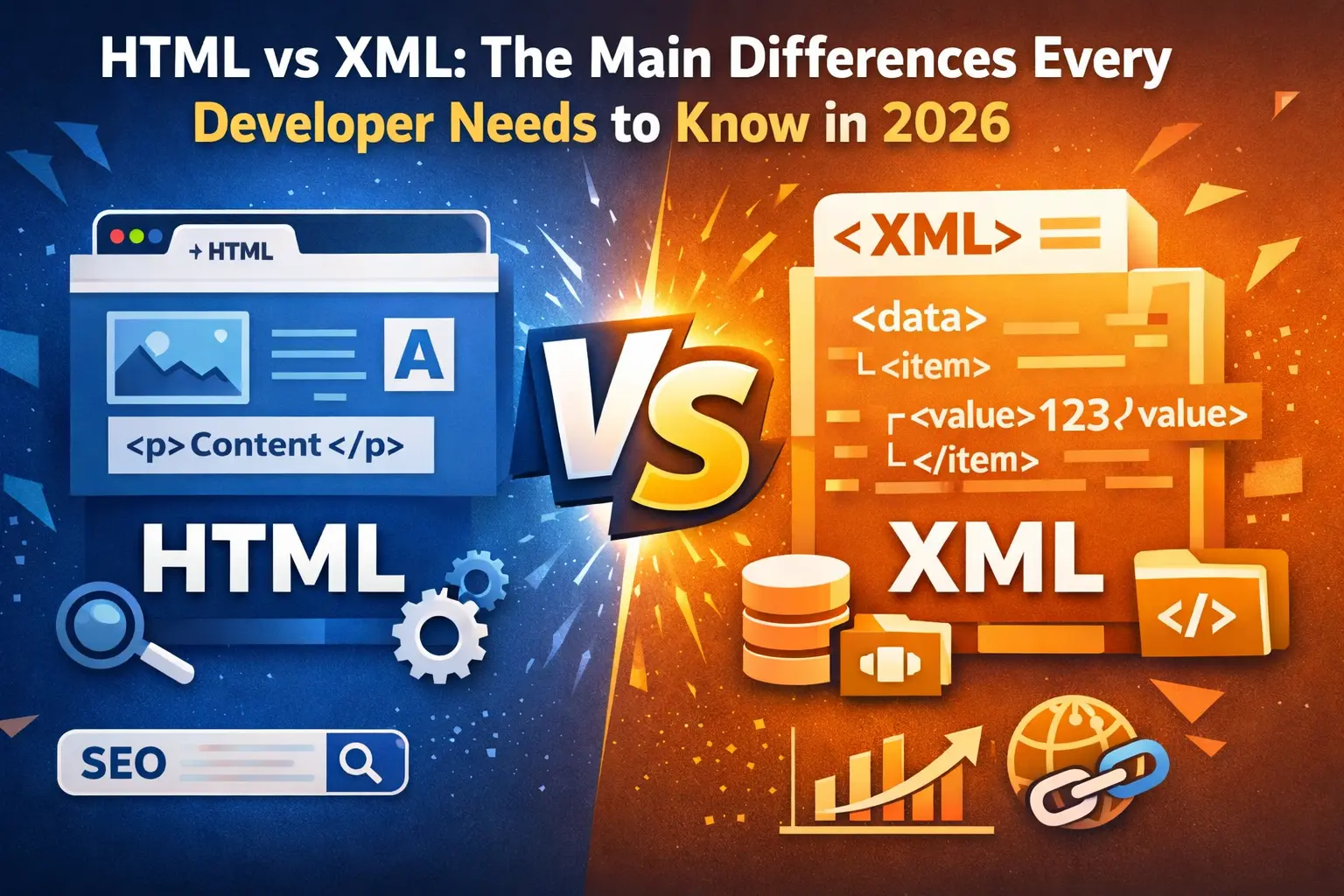
HTML vs XML — this is a comparison that you are likely to see more than you can count in 2026, especially as a developer. However, it may be hard to tell when one should use either of the two.
Perhaps you have heard the following:
- Misunderstanding of data vs presentation
- Bugs due to inadequately structured data
- XML responses to what you were expecting XML
- Antique systems that require you to work with XML
And that may sound familiar to you.
In this paper, we will dissect HTML vs XML in 2026 in a manner that seems to make sense — no nonsense, no dictionary definitions. Practical knowledge that can address actual developer issues.
What is HTML?
The web is based on HTML (Hypertext Markup Language). It is applied to organize the content that is displayed by browsers.
The major features of HTML
- Designed for displaying data
- Has built-in names, such as <div>
- Indifferent to syntax (browsers are lenient)
- Works with CSS and JavaScript
You can also explore the difference between HTML vs CSS in 2026 to better understand frontend styling and structure.
Example of HTML
<!DOCTYPE html>
<html>
  <head>
    <title>My Page</title>
  </head>
  <body>
    <h1>Hello World</h1>
    <p>This is a paragraph.</p>
  </body>
</html>
UI, layouts, or user interaction — use HTML.
If you are learning modern frontend frameworks, you should also read Next.js vs React in 2026 and HTML vs JavaScript in React & Next.js.
What is XML?
XML (eXtensible Markup Language) is a language that is meant to store and transmit information.
XML does not care about appearance, unlike HTML, but rather it is about the meaning of the data.
Important XML features
- Developed to store and transfer data
- Allows custom tags
- Strict syntax rules
- Self-descriptive structure
Example of XML
<user>
  <name>John</name>
  <role>Developer</role>
</user>
When you want to exchange data in a structured format, XML is the right way.
For developers comparing structured data formats, this guide on HTML vs JSON in 2026 can also help clarify when to use each format.
XML vs HTML: Fundamental Differences
This is where the majority of developers find understanding.
Comparison Table: HTML vs XML
| Feature | HTML | XML |
|---|---|---|
| Intent | Present information | Store / transport information |
| Tags | Predefined | Custom-defined |
| Case Sensitivity | Not case-sensitive | Case-sensitive |
| Syntax Strictness | Lenient | Strict |
| Error Handling | Overlooks trivial errors | Aborts on errors |
| Emphasis | Presentation | Data structure |
| Closing Tags | Sometimes optional | Mandatory |
Differences of HTML and XML (Real Developer Perspective)
Enough theory, what about reality?
1. Flexibility vs Control
- HTML is lenient — very fast to develop
- XML is rigorous — excellent in reliability
Pain Point:
You know how a single missing tag can wreck the whole XML when you have had to debug buggy XML.
2. Data vs UI
- HTML = what you see
- XML = systems communicate in what way?
Pain Point:
Combining data logic with HTML results in sloppy code.
If you’re building modern UI applications, understanding HTML vs HTML5 is equally important.
3. Learning Curve
- HTML is simple to begin with
- XML is disciplined, detail-oriented
Pain Point:
XML validation errors are usually underestimated by beginners.
4. Modern Relevance in 2026
You may be wondering:
XML is even irrelevant, right?
Yes — but differently.
Where HTML Dominates
- Frontend development
- Web applications (React, Next.js, and so on)
- Search engine optimization and organization
XML Still Matters
- Legacy systems
- Enterprise APIs
- Configuration files
- RSS feeds, sitemaps
What Has Changed? HTML vs XML in 2026
The HTML vs XML debate in 2026 is not about which is better, but more about context.
Modern Trends
- Many APIs have switched to use JSON instead of XML
- Frameworks are more potent with HTML
- XML is not eliminated in the enterprise ecosystems
Reality Check
XML will not be part of your everyday life
But when you want it, you want it awful
💡 Pain Point:
XML is often overlooked by many developers until they find themselves needing to use it in a real production.
Do You Use HTML or XML?
Use HTML When:
- Website or web application development
- Creating UI components
- Working with browsers
Use XML When:
- The collaboration with structured data exchange
- Handling legacy systems
- Creating configuration files
- Working with SOAP APIs
Mistakes that Developers Make
1. XML and HTML
XML should not be regarded as HTML.
XML is inflexible — errors will not be accepted.
2. Ignoring Validation
XML needs to be structured. Always validate.
3. Excessive Use of HTML to Store Data
HTML is not to be used as a container of structured data.
Quick Summary
- HTML = Display
- XML = Data
- HTML is flexible
- XML is strict
- HTML is everywhere
- XML is small yet significant
Conclusion / Final Thoughts
Knowing HTML vs XML is not a question of knowing definitions but when to use which tool about what problem you have.
By 2026:
- HTML will be used on the front end
- XML will silently provide the systems to the background
When you are a developer, it may be tempting to disregard XML — but it can come back to bite you in cases of enterprise systems or legacy APIs.
The smartest approach?
- Learn HTML to develop daily
- Learn XML when it really counts
Such a balance will make you stand out.
Suggested Reads
- HTML vs CSS in 2026 — Total Beginner to Pro Comparison
- Next.js vs React (2026): Everything a developer needs to know
- MDN Official XML Documentation
- MDN HTML Guide
- W3C XML Standards
FAQs
1. What is the main difference between HTML and XML?
The difference between the two is that data is displayed using HTML, whereas data is stored and transported with XML.
2. Is XML still used in 2026?
Yes, XML is still found in enterprise systems and configuration files, and some APIs, although JSON is more popular.
3. Which is simpler to study, HTML or XML?
HTML is simpler, as it is more lenient, whereas XML is strict in syntax.
4. Is it possible to substitute HTML with XML?
No, XML is not a substitute for HTML since it does not deal with presentation or UI.
5. What is so rigorous about XML?
XML is rigorous so that the integrity of data cannot be compromised and systems misinterpreted.
2 thoughts on “HTML vs XML: 2026 Guide”